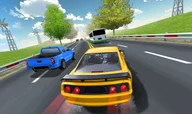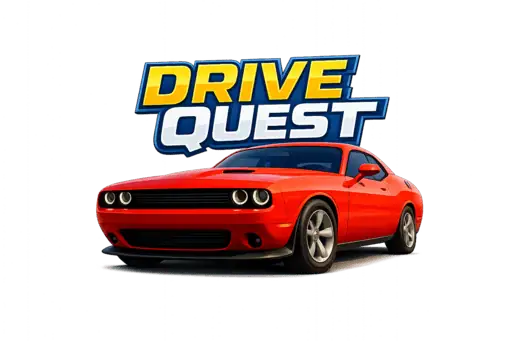









Jump into an open-world driving adventure where you can drift through corners, hit stunt spots, chase speed goals, and explore highways, ports, and hidden areas in your own style.
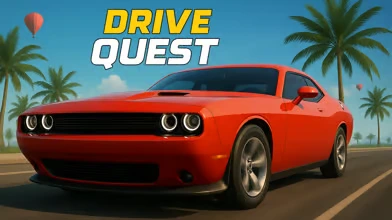
Here's a quick look at the game:
What is Drive Quest?
Drive Quest is an open-world car game built around freedom. You are not locked into one straight race, one tiny map, or one rigid goal. Instead, you get a big driving space to explore, multiple challenge types to tackle, and a garage full of cars to try and customize.
That is the fun of it. One minute you are cruising between cities to see what is around the next bend. The next minute you are drifting through corners, blasting through radar zones, or lining up a stunt just to see if you can land it clean.
It sounds simple, but that is exactly why Drive Quest works. You drive, roam, test, fail, retry, and slowly learn how the world and your car respond. The map feels like a playground, not just a track.

Game Overview
| Item | Details |
|---|---|
| Developer | Tridy Games |
| Genre | Driving / Open-World Car Game |
| Core Gameplay | Exploration, drifting, stunts, speed tests, mission-based challenges |
| Platform | Online, free to play in browser |
| Technology | HTML5 (Unity WebGL) |
| Devices | Desktop, mobile, tablet |
| Visual Style | 3D, modern city-and-highway driving sandbox |
Why Drive Quest Feels Different
Most browser driving games ask you to do one thing well. Drive Quest gives you room to play in different ways.
You can treat it like a chill driving sandbox and just enjoy the roads, or you can push harder and chase clean drifts, faster checkpoints, bigger jumps, and smarter routes. With multiple challenge types and a large map to explore, the game keeps giving you reasons to stay behind the wheel.
Another big pull is variety. You are not stuck with one car forever. The game features a wide selection of vehicles and customization options, so your ride can feel personal instead of disposable.
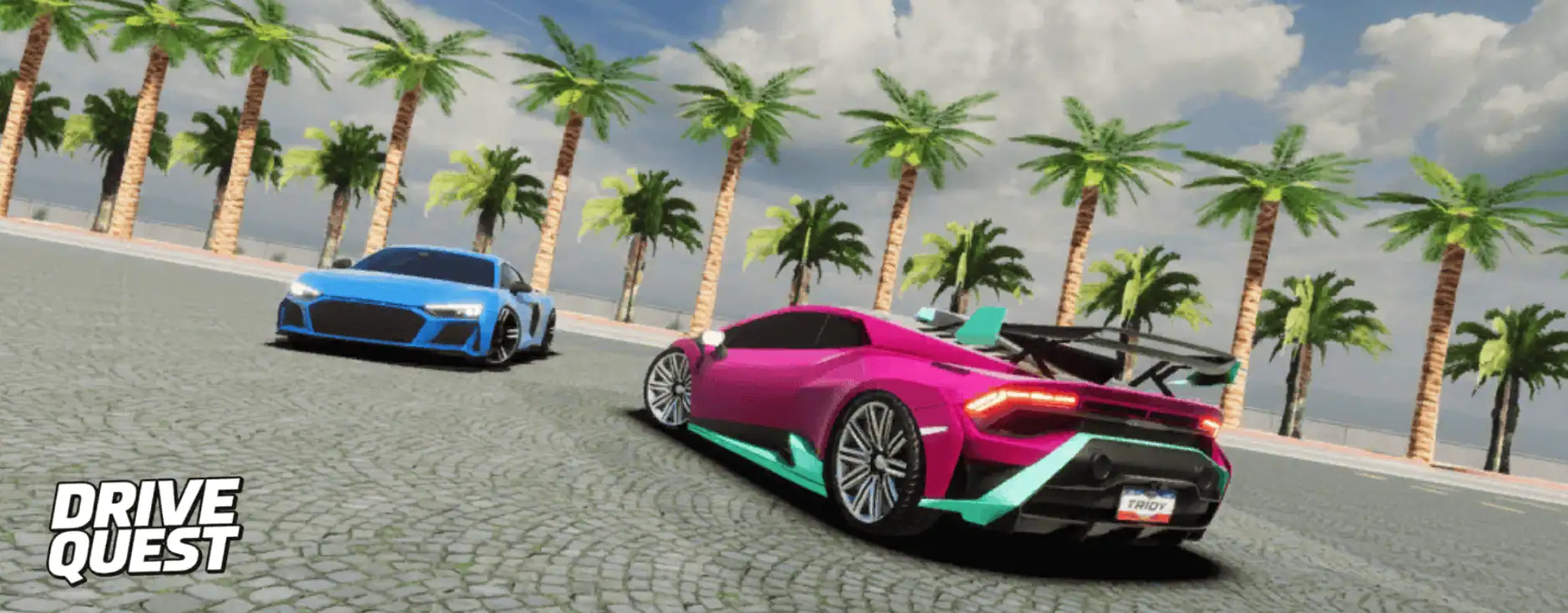
How to Play Drive Quest
Explore and Cruise
If you like low-pressure gameplay, start by simply driving. Follow the highways, move between different parts of the map, and look for hidden areas, open spaces, and stunt-friendly spots.
This is the easiest way to learn the world. You will get a feel for road layout, corner flow, and which areas are better for speed, drifting, or jumps.
Push for Skill and Chaos
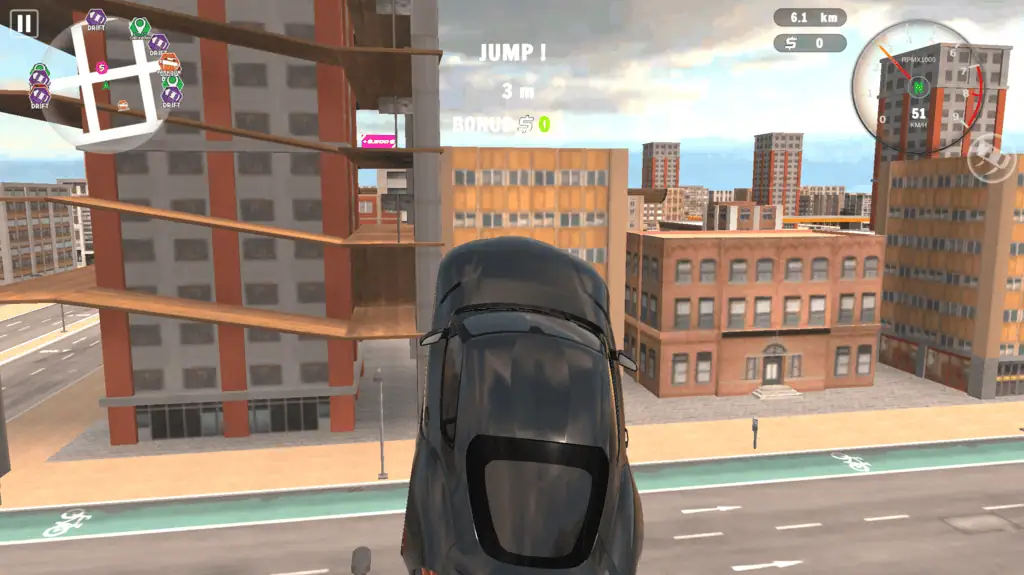
If you want more action, go straight into the challenge side of Drive Quest. Drift through turns for points, race through checkpoints, hit stunt zones, pass radar sections at the right speed, and smash target objects when the mode asks for it.
This side of the game is where control starts to matter. Small steering choices, camera changes, and braking timing can make the difference between a messy run and a clean one.
Drive Quest Game Modes
Drift Mode
Slide through corners and hold your line as long as possible. Smooth control matters more than random swerving.
Checkpoint Mode
Hit marked points quickly and keep your momentum alive. A clean route is often better than pure aggression.
Stunt Mode
Launch, rotate, land, and try to stay in control. Big air is fun, but clean recovery matters too.
Radar Mode
Pass specific areas at the required speed. This mode rewards timing and confidence.
Object Destruction Mode
Break the right targets and score high. It is a nice change of pace when you want more impact and less precision.
Drive Quest Controls
| Key | Action |
|---|---|
| WASD / Arrow Keys | Steer / drive |
| Space | Handbrake |
| C | Change camera |
Pro Tips for Drive Quest
1. Learn the map before you chase high scores
Do a few relaxed runs first. Hidden routes, wide corners, and open stunt areas are easier to use once you know where they are.
2. Use the handbrake with purpose
Do not spam it. A short handbrake tap can help you rotate into a drift, but too much will kill your line.
3. Change camera when a section feels awkward
Some corners, jumps, or narrow areas are easier to read from a different angle. The camera key is not cosmetic. It can improve control.
4. Match the car to the challenge
A car that feels good for cruising may not feel best for drifting or stunts. Try different vehicles instead of forcing one setup everywhere.
5. Carry speed, but do not panic
In checkpoint and radar-style challenges, smooth driving usually beats chaotic driving. Fast is good. Controlled fast is better.
Drive Quest Customization
One of the strongest reasons to keep playing Drive Quest is customization. You can unlock or access different vehicles and tune their look with changes like color, rims, tires, tint, wraps, and other style options.
That means your progress is not only about score. It is also about building a garage that feels like yours.
FAQ About Drive Quest
Is Drive Quest free to play?
Yes. The browser version is available to play online for free.
Can you play Drive Quest on mobile?
Yes. Public listings show support for browser play on desktop, mobile, and tablet.
How many cars are in Drive Quest?
The game is described as having 35 vehicles to use and customize.
Is Drive Quest only about racing?
No. It mixes open-world driving with drifting, stunts, checkpoint runs, radar speed challenges, and object-based missions.
Does Drive Quest have an open world?
Yes. The game is built around a large map with highways, city areas, ports, and hidden zones to explore.
Is Drive Quest relaxing or competitive?
Both. You can use it as a laid-back driving sandbox or push harder for cleaner runs, better scores, and more technical driving.